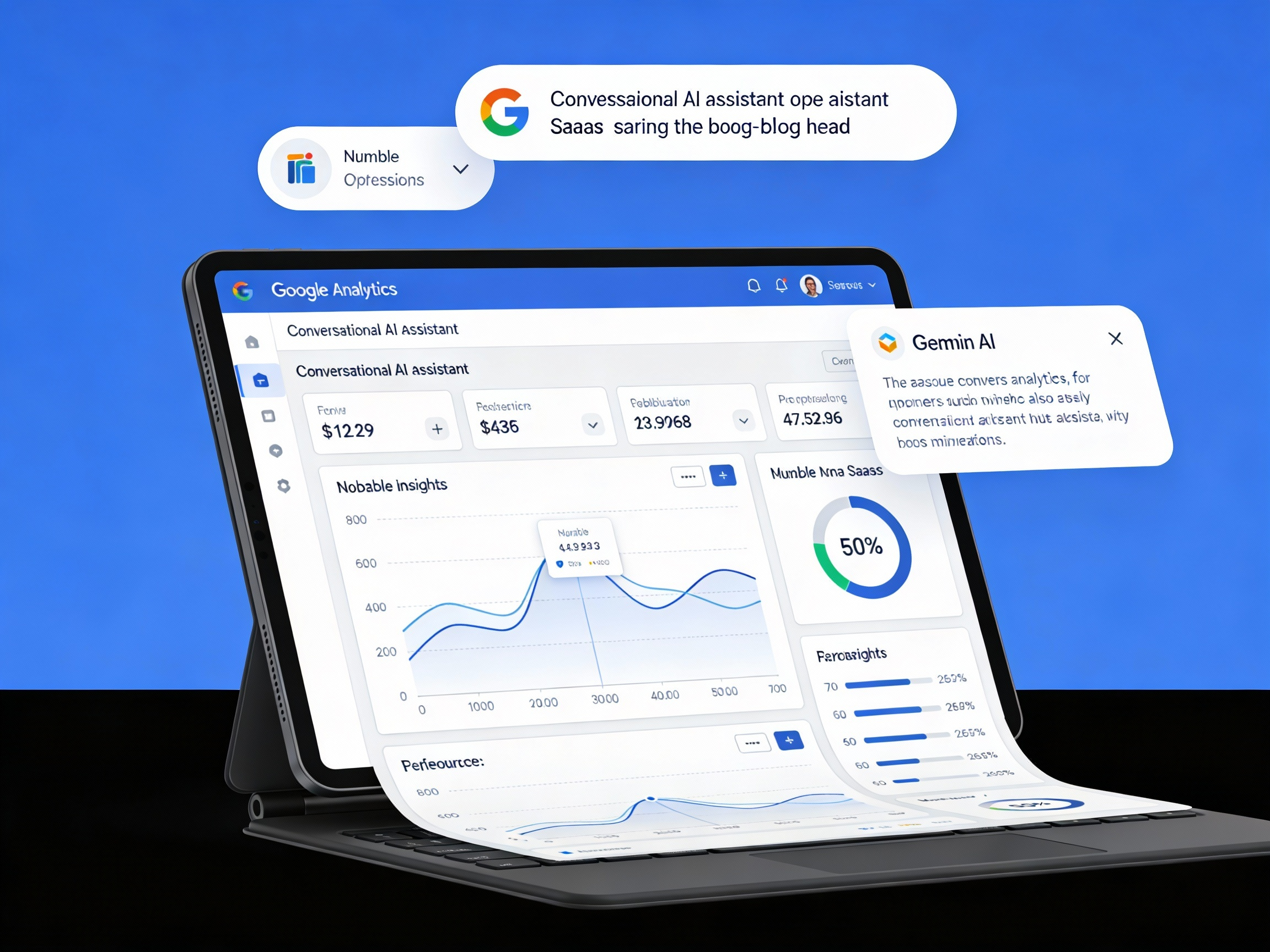
Google Analytics Launches Analytics Advisor: What This Means for AI Driven Analytics, SEO, and Smarter Decision Making
On December 12, 2025, Google officially launched Analytics Advisor, a new agentic conversational AI assistant built directly into Google Analytics and powered by Gemini models.
This is not just a new reporting feature. It is a fundamental change in how teams interact with analytics data.
Instead of navigating dashboards, building reports, and manually interpreting trends, Analytics Advisor allows users to ask questions in natural language and receive insights, explanations, and visualizations instantly.
More importantly, Analytics Advisor does not stop at showing what happened. It actively helps explain why something happened and what to do next.
This article breaks down exactly what Analytics Advisor is, how it works, why it matters, and how teams should prepare for AI driven analytics.
Index of Sections
- What Google Announced
- What Is Analytics Advisor
- How Analytics Advisor Works
- Real World Examples You Can Try
- Why This Launch Matters More Than It Looks
- Analytics Advisor and Agentic AI
- Impact on Analytics, SEO, and Marketing Teams
- Impact on Business Decision Making
- How to Use Analytics Advisor Step by Step
- What You Should Do Right Now
- Glossary of Key Terms
- Frequently Asked Questions
- Final Takeaway
What Google Announced
Google announced the launch of Analytics Advisor as part of its broader effort to embed AI directly into analytics workflows.
According to Google, Analytics Advisor allows users to:
- Ask natural language questions about performance
- Surface high level insights instantly
- Generate charts and visualizations on demand
- Diagnose sudden drops or spikes in metrics
- Receive step by step guidance for setup and configuration
Analytics Advisor is accessible via a persistent icon in the top right corner of Google Analytics and through the Google Analytics search box.
Official documentation from Google is available here:
https://support.google.com/analytics/answer/16675569
What Is Analytics Advisor
Analytics Advisor is an agentic conversational AI assistant embedded directly inside Google Analytics.
Unlike traditional help documentation or static dashboards, Analytics Advisor:
- Understands context within your GA property
- Interprets intent from conversational language
- Takes action by generating insights and charts
- Explains causes, not just outcomes
In practice, this means Google Analytics becomes something you collaborate with, not something you manually operate.
How Analytics Advisor Works
Analytics Advisor is powered by Gemini models, Google’s advanced AI systems designed for reasoning and multi step task execution.
When you ask a question, Analytics Advisor:
- Understands your intent
- Identifies relevant metrics, events, and dimensions
- Analyzes historical and recent data
- Generates visualizations if needed
- Provides explanations and guidance
This eliminates the need to know exact report locations or metric definitions upfront.
Real World Examples You Can Try
Here are realistic prompts teams can use inside Analytics Advisor.
Example 1: Diagnosing a Traffic Drop
Why did organic sessions drop last week?
Analytics Advisor may respond by identifying:
- A decrease in sessions from specific landing pages
- Changes in device or geography mix
- Correlation with site changes or campaign timing
Example 2: Conversion Analysis
What events changed before conversions dropped?
Analytics Advisor can surface event trends and explain which user actions declined.
Example 3: Visualization on Demand
Show a chart of engaged sessions by channel for the last 30 days
The assistant generates the chart instantly.
Examples of what Analytics Advisor can help you with
|
Theme |
Activities |
Example queries |
|
Generic data questions |
Surface high-level performance insights. | “How is my website doing?”
“What’s the health of my new user acquisition?” |
|
Fully specified questions |
Generate insights and visualizations for specific metrics, dimensions, and events. |
“Trend of active users over the last 30 days”
“Show me the total purchases from organic search traffic last week” |
|
“Why” questions |
Diagnose changes in performance, attributing causes for drops or spikes. | “Why did my total revenue drop on August 1st?”
Why are my new users down 15% compared to last month?” |
|
“How to” questions |
Provide guided education, feature navigation, and step-by-step instructions. |
“How do I create an audience?”
“How do I link my property to Google Ads?” |
|
Read property config |
Retrieve specific configuration details for the property. |
“What is my measurement ID?”
“How many data streams do I have?” |
|
Optimization |
Identify growth opportunities and next steps. | “What should I do to improve my business?”
“What is the most effective way to re-engage users who dropped off after viewing the product page?” |
Why This Launch Matters More Than It Looks
Historically, analytics tools required technical expertise, manual exploration, and time.
Analytics Advisor removes friction and makes insights accessible at the moment of curiosity.
This fundamentally changes how organizations use data.
Analytics Advisor and Agentic AI
Analytics Advisor is a practical example of agentic AI.
Agentic AI systems:
- Understand goals
- Reason across context
- Take multi step actions
- Guide users toward outcomes
This moves analytics from reporting to reasoning.
Impact on Analytics, SEO, and Marketing Teams
Analytics Teams
Analysts spend less time building reports and more time guiding strategy.
SEO Teams
SEOs can quickly understand organic traffic changes without waiting for custom reports.
Marketing Teams
Marketers gain immediate clarity on campaign performance and downstream behavior.
Impact on Business Decision Making
Analytics Advisor shortens the loop between observation, understanding, and action.
This leads to faster and more confident decisions.
How to Use Analytics Advisor Step by Step
- Open Google Analytics
- Click the Analytics Advisor icon
- Type a natural language question
- Review insights and visualizations
- Ask follow up questions
What You Should Do Right Now
- Clean GA4 events and conversions
- Standardize naming conventions
- Remove noisy or unused events
- Document business context
- Train teams to ask better questions
Glossary of Key Terms
Analytics Advisor is a conversational AI assistant embedded in Google Analytics.
Agentic AI refers to AI systems that reason and take actions.
Gemini Models are Google’s AI models powering Analytics Advisor.
GA4 is Google Analytics 4.
Frequently Asked Questions
What is Analytics Advisor
It is an AI assistant that helps users analyze and understand GA data.
Where is it available
Inside Google Analytics via the top right icon and search box.
Does it replace analysts
No. It augments them.
Final Takeaway
Analytics Advisor marks the transition from dashboards to dialogue.
Organizations that embrace AI driven analytics will move faster and make better decisions.