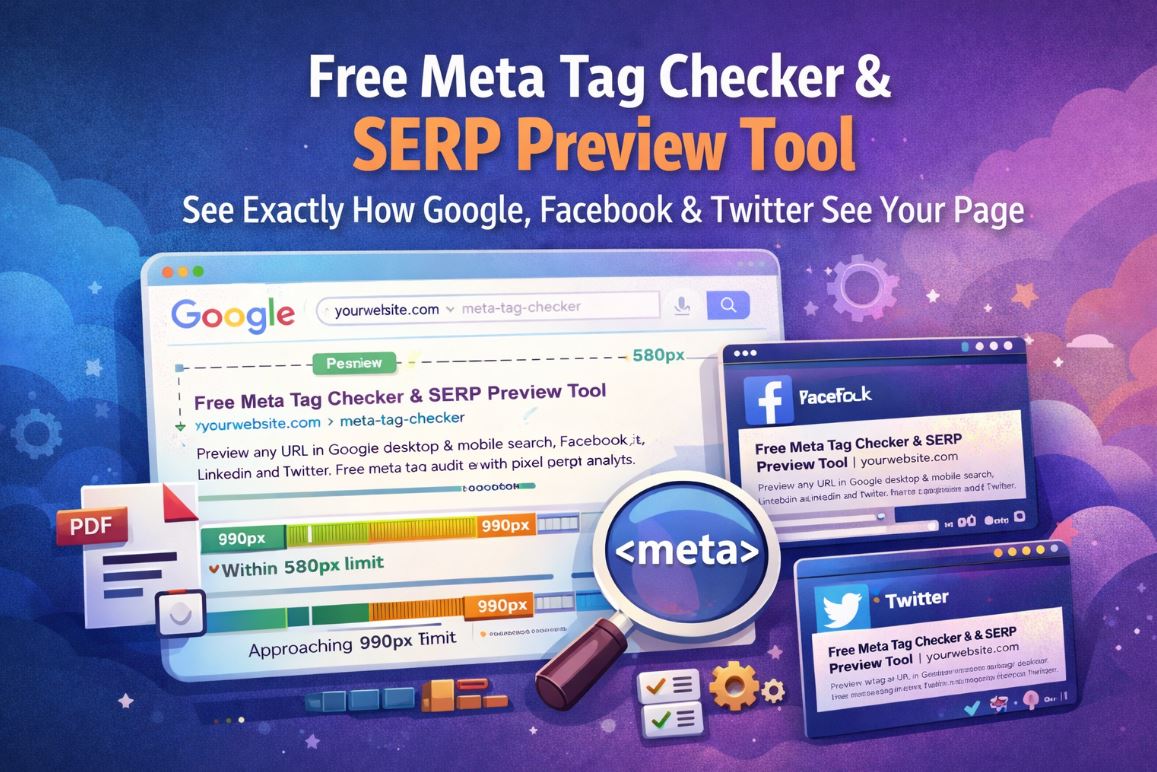
Free Meta Tag Checker & SERP Preview Tool: See Exactly How Google, Facebook, LinkedIn, and X See Your Page
Most SEO problems begin before a single visitor lands on your site.
A title gets truncated. A meta description is too short to persuade a click. A shared URL pulls the wrong image. A page accidentally carries a noindex directive from staging. These are small technical details, but they shape how your page appears everywhere that matters.
MetaCheck is a free meta tag checker and SERP preview tool that shows you exactly how any live URL appears in Google desktop search, Google mobile search, Facebook, LinkedIn, and X. It also audits your core meta tags, checks pixel limits, surfaces technical issues, supports bulk URL checks, and generates a downloadable PDF report.
Jump to a section
- What MetaCheck Is
- Why Meta Tags Still Matter
- What MetaCheck Shows You
- Google SERP Preview
- Pixel Length Analysis
- Full Meta Tag Audit
- Meta Tag Score
- Bulk URL Checker and CSV Export
- Who MetaCheck Is For
- MetaCheck vs Other Meta Tag Tools
- How to Use MetaCheck
- Common Meta Tag Mistakes MetaCheck Catches
- Frequently Asked Questions
- Final Takeaway
What MetaCheck Is
MetaCheck is a free SEO tool that fetches any live URL and shows how its metadata is likely to appear across search and social platforms.
Instead of manually opening source code, inspecting tags one by one, and guessing how Google or social platforms will render a page, MetaCheck pulls everything into one place.
It is built to answer practical questions quickly:
- Will my title tag get truncated in Google?
- Is my meta description too short or too long?
- Does my page have valid Open Graph tags?
- Will my X card render correctly?
- Is a canonical tag present?
- Did a
noindexdirective accidentally make it to production?
Why Meta Tags Still Matter
Meta tags shape the first impression your page makes in search results, social feeds, messaging apps, and link previews.
Your title tag and meta description influence how your page appears in Google. Your Open Graph tags determine how the page looks when shared on Facebook, LinkedIn, Slack, and similar platforms. Your X card tags affect how the page appears on X.
When these tags are strong, your page looks clear, credible, and click worthy before the visitor even arrives.
When they are weak, missing, or misconfigured, platforms improvise. That usually leads to broken previews, missing images, poor click through rates, and lost visibility.
Why this matters: A page does not always need a higher ranking to win more traffic. In many cases, a better title, stronger description, and cleaner social preview can improve click through rate significantly without any ranking change at all.
What MetaCheck Shows You
MetaCheck combines visual previews, technical auditing, and exportable reporting into one workflow.
Google SERP Preview
The Google SERP preview is one of the most useful parts of MetaCheck because it helps you see your page the way a searcher is likely to see it.
That includes the page title, breadcrumb style URL, and description snippet in a layout that mirrors Google search results more closely than a basic text preview.
MetaCheck supports both desktop and mobile previews. That matters because titles that look acceptable on desktop may still truncate badly on mobile.
Pixel Length Analysis
Most people still think in terms of character counts when writing title tags and meta descriptions. That helps, but it is not the true limit Google uses.
Google truncates based on pixel width, not simple character count. Different letters take up different widths, so two titles with the same number of characters can display very differently.
MetaCheck solves this by measuring the approximate rendered width of your title and description and comparing them against practical Google limits.
Within range
Approaching limit
This gives you a clearer and more reliable way to optimize snippets before they are published or before a client review ever happens.
Full Meta Tag Audit
MetaCheck does more than preview snippets. It also runs a structured audit across the tags and signals that most often affect search visibility and link presentation.
The audit checks areas such as:
- Title tag presence and width
- Meta description presence and width
- Canonical tag presence
- Robots directives including
noindexandnofollow - Open Graph coverage
- X card coverage
- Schema.org markup detection
- Viewport tag presence
- H1 tag usage
Title length good — within a safe display range for Google.
Open Graph tags complete — title, description, image, and URL are present.
Description too short — present, but not using available snippet space effectively.
No Schema markup found — structured data is absent and rich result eligibility may be limited.
Meta Tag Score
Each URL receives an overall meta tag score from 0 to 100 based on audit results. That score gives you a fast, high level view of how healthy the page is from a metadata standpoint.
Excellent — critical tags are present and well optimized
Good — strong baseline with minor improvements needed
Needs work — warnings or missing tags are reducing quality
Poor — major issues are affecting discoverability or rendering
Bulk URL Checker and CSV Export
MetaCheck is also built for audits, not just one off page reviews.
You can paste up to 10 URLs at once and compare them side by side. That is useful when checking:
- a batch of blog posts
- important ecommerce category pages
- product pages after a migration
- client pages before monthly reporting
- competitor landing pages
The output can include score, title, meta description, HTTP status, and issue counts. Results can be exported into CSV for reporting, tracking, or handoff to other teams.
Who MetaCheck Is For
MetaCheck vs Other Meta Tag Tools
How to Use MetaCheck
- Enter the full URL of the page you want to check
- Click the preview and audit button
- Review the Google desktop and mobile preview
- Check title and description pixel limits
- Open the Facebook, LinkedIn, and X preview cards
- Review warnings and errors in the audit tab
- Inspect the full tag output if debugging is needed
- Download the PDF report or export bulk results as CSV
Common Meta Tag Mistakes MetaCheck Catches
- Title truncated in Google because it exceeds a safe pixel width
- Description too short to fully use available snippet space
- Missing OG image which causes weak or broken social previews
- Noindex left from staging that prevents the page from appearing in search
- Missing canonical on pages prone to duplication
- Missing viewport tag which can affect mobile usability signals
- Multiple title tags caused by plugin or template conflicts
- No Schema markup limiting eligibility for rich result enhancements
Check Any Page Free
Preview Google snippets, social cards, meta tag health, and technical issues for any live URL. Great for SEO audits, publishing checks, migrations, and client reporting.
Frequently Asked Questions
What is a meta tag checker
A meta tag checker fetches a live URL and displays the metadata on that page, including the title tag, meta description, Open Graph tags, X card tags, canonical URL, robots directives, and structured data.
What is a SERP preview tool
A SERP preview tool simulates how a page may appear in search results, usually showing the title, URL breadcrumb, and meta description as a user might see them in Google.
How long should a meta title be
There is no perfect universal character count, but many titles perform best when they stay within a practical Google display width. MetaCheck measures pixel width directly, which is more useful than relying on character count alone.
How long should a meta description be
Descriptions often perform best when they are long enough to communicate value clearly without exceeding likely display limits. MetaCheck measures the pixel width and shows whether the description is within a safe range.
What are Open Graph tags
Open Graph tags are metadata used by platforms like Facebook and LinkedIn to generate rich preview cards when a URL is shared.
Is MetaCheck free
Yes. MetaCheck is designed as a free tool, including individual URL checks, bulk URL analysis, and PDF reporting.
What is bulk URL checking
Bulk URL checking lets you analyze multiple pages at once so you can compare scores, titles, descriptions, status codes, and issue counts across a set of URLs.
Final Takeaway
Metadata still plays a major role in how pages win clicks, shares, and trust.
If your title is weak, your description is missing, your OG image is broken, or your page is carrying the wrong directives, you can lose visibility even when the page itself is strong.
MetaCheck gives you a simple way to see that before it becomes a problem. It helps you preview, audit, compare, and export metadata issues in a format that is useful for marketers, SEOs, writers, developers, and clients alike.
MetaCheck is built by freegeotools.ai, an Online Search Intelligence Inc. company. For AI visibility analysis, you can also try GEO Check.